
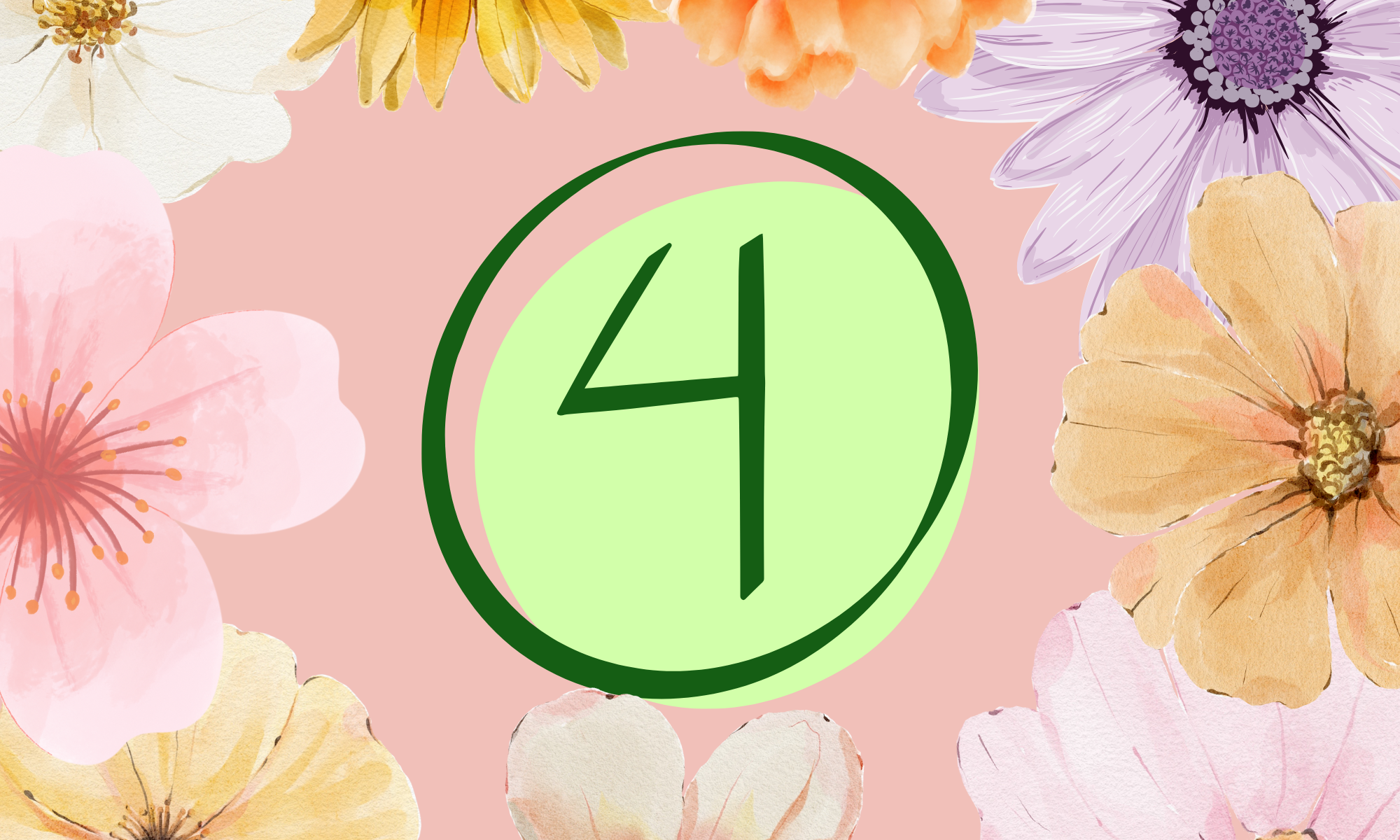
For this activity, I created my graphic using Canva, which has become my go-to design platform. I like Canva because it’s simple, visually appealing, and offers plenty of free templates without needing to sign up for multiple new accounts or risk getting junk mail. It also lets me easily add icons, photos, and educational visuals to create polished, engaging materials quickly.
To create my graphic, I started with a blank page. I searched the site to find a “number 4” that I liked, as I knew I wanted to add some floral images around the border. The weather is so cold right now, and I just wanted to bring a warm feeling of joy to life; this is why I chose flowers to brighten the mood. When I found my 4, I chose a background colour that looked appealing with the graphic. I then sifted through the pictures and picked the flowers I enjoyed the most, arranging them in different sizes so they overlapped nicely.
Thinking about the future, I will likely purchase Canva Pro so that I am not limited to what I want to make.

In tech class today, we were encouraged to try other sites for creating graphics like Pixlr and Vectr, however, I ran into the issue that always deters me from further exploration. Sign Up. Perhaps it’s a generational thing, but I find it discouraging when websites demand an email address before allowing users to browse their content. Call me old-fashioned, but I like to look around a site before committing my email to their inbox forever.
In the classroom, I envision using Canva for student projects and teacher-created resources. For example, students could design posters to summarize learning concepts, digital infographics to demonstrate understanding, or even visual storytelling projects that combine text and imagery. As a teacher, I could use Canva to create worksheets, visual rubrics, newsletters, and lesson visuals, especially for visual learners who benefit from clear, organized information.
Embedding graphics like the one I did at the top of this page helps make learning interactive and aesthetically engaging. Visual design tools not only build students’ creativity and digital literacy but also allow them to take ownership of their learning in meaningful ways.